
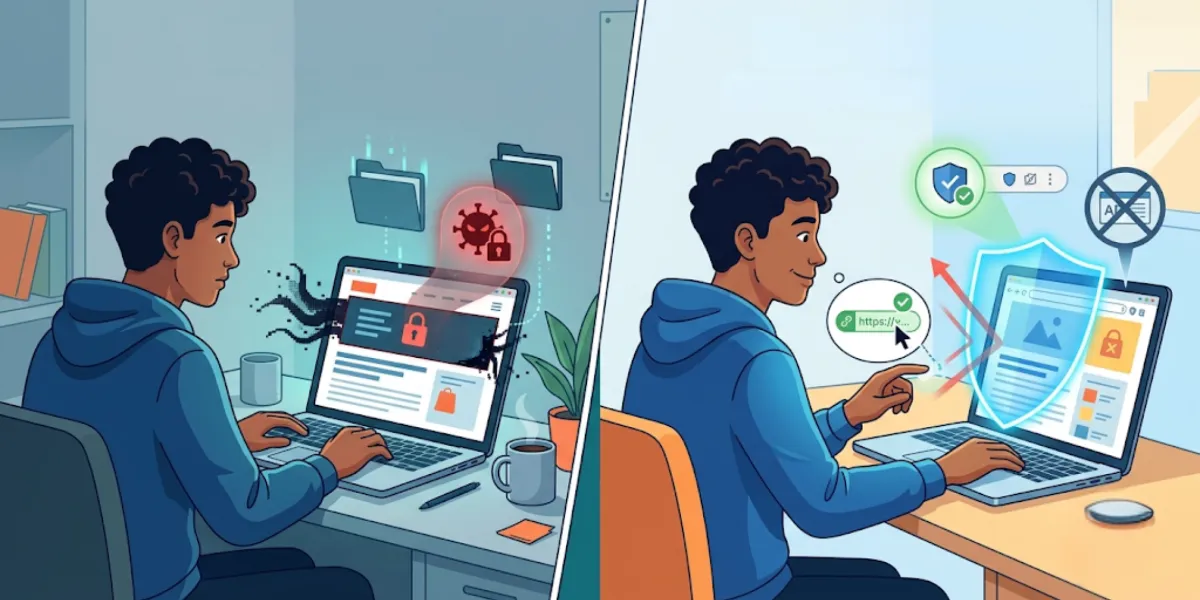
But every large system attracts a few people looking to game it, and advertising is no exception. That's where the word malvertising comes in. It sounds ominous, and the coverage around it can tip into scare tactics fast. The reality is calmer and more useful: once you understand how the abuse works, you can spot it, sidestep it, and keep browsing without treating every banner as a threat. This piece walks through what malvertising actually is, how to recognize an ad that isn't playing straight, and the everyday habits that quietly keep you out of trouble.
What malvertising really means
The word is a squeeze of "malicious" and "advertising," and that's precisely what it describes: harmful or deceptive content slipped into the ordinary online advertising systems that legitimate sites rely on.
Here's the part that trips people up. Traditional scams announce themselves through a shady email or a fake login page you had to be lured toward. Malvertising is sneakier because it hides inside the real advertising networks — the same pipelines feeding ads to sites you trust. A publisher doesn't hand-pick every ad that appears; the network fills those slots automatically. That automation is what a bad actor tries to exploit, hoping a rogue ad slips through before it's caught.
Two things are worth holding onto here. First, the networks aren't passive — they run detection systems and pull abusive ads constantly, which is why the vast majority of ads you see are perfectly safe. Second, and just as important: seeing an ad on a page does not mean the page is dangerous. A reputable site can unknowingly display a bad ad the same way a well-run newspaper could run a misleading classified. The site isn't the villain. Knowing that distinction keeps you from either panicking at every ad or, worse, ignoring the genuine warning signs.

When an ad isn't playing straight
Not every ad deserves suspicion, and treating them all as landmines just makes browsing miserable. The skill is knowing which ones warrant a second look. A few patterns tend to give the game away.
Manufactured urgency. "Act now — only 2 left!" splashed across a flashing banner is engineered to make you click before you think. Legitimate offers rarely need to rush you that hard.
Claims that are too good to be true. A brand-new phone for a few dollars, a prize you didn't enter to win, a "you've been selected" message. If it strains belief, it usually should.
Ads dressed up as your system. Fake virus alerts, phony "your device is at risk" pop-ups, or windows styled to look like an operating-system message are a classic tactic. Real security warnings don't arrive as web ads.
Redirects you didn't ask for. A click — or sometimes just a page load — that suddenly bounces you somewhere unexpected is a strong signal to back out.
Total mismatch with the page. A gardening blog pushing an aggressive "clean your PC now" ad has no natural reason to be there.
None of these alone proves malicious intent, but any of them is a fair reason to pause. The habit that protects you isn't fear — it's a half-second of judgment before you interact with something loud, pushy, or out of place.
The habits that quietly keep you safe
You might be thinking there must be one tool that handles all of this. There isn't, and anyone promising a single silver bullet is overselling. Real safety online is layered — a stack of small, unglamorous habits that each close off a different avenue of risk.
Start with the least exciting and most effective: keep your browser updated. Updates carry security patches that quietly seal the gaps bad actors rely on, and they keep you compatible with modern sites. Turn on automatic updates and you've handled this one for good.
From there, a handful of routines do a lot of work:
Install extensions only from sources you trust, and remove the ones you no longer use — each add-on is a door into how your browser behaves.
Review site permissions now and then, so old, forgotten access doesn't linger.
Pause before clicking unfamiliar promotional links, and when a link looks off, verify where it leads before committing.
Use strong, unique passwords and turn on multi-factor authentication wherever it's offered — it blunts the damage if something does slip through.
Keep your operating system current, not just your browser, since the two work together.
The logic behind all of it is simple: no single habit is bulletproof, but stacked together they leave very little room for the occasional bad ad to matter. That's why security professionals talk about layers rather than a magic setting — depth beats any one defense.
Where the Total Adblock Browser Extension fits
Habits cover how you behave. They do less about what actually loads onto the page in the first place — and that's a separate lever worth pulling. This is where a tool like the Total Adblock Browser Extension finds its role.
Working as an ad blocker and browser extension, it trims the intrusive ads that clutter so many pages, which makes for a cleaner, calmer read. Because it limits a good deal of the advertising content before it ever renders, it can also reduce your exposure to many forms of malicious advertising — you can't be tripped up by a bad ad that never appears. On top of that, it blocks a fair number of the web trackers that stitch your browsing together into a profile, handing you more say over your privacy.
One honest boundary, because it matters here more than usual. Total Adblock is not an antivirus, not a malware removal tool, and not a complete cybersecurity solution. It won't stand in for the protections built into your browser or the judgment you bring to what you click. Its job is narrower and genuinely useful: cutting ad clutter and tracker activity so everyday browsing feels lighter, and shrinking one of the avenues malvertising travels through. Treated as one layer in the stack rather than the whole defense, it earns its keep.
Awareness is the advantage that lasts
Technology keeps shifting, and the tactics that ride along with it shift too. That's exactly why chasing a permanent, set-and-forget fix is the wrong goal — there isn't one, and there won't be. What holds up over time is understanding.
Grasp how online advertising works and where malvertising sneaks in, and the flashy pop-up loses its power over you. Keep your software current, weigh your clicks, and lean on a trusted tool to thin out the noise, and you've built something more durable than any single product: the ability to read the web with a clear head. Start with one thing this week — switch on automatic updates — and let the rest of the habits settle in around it.
